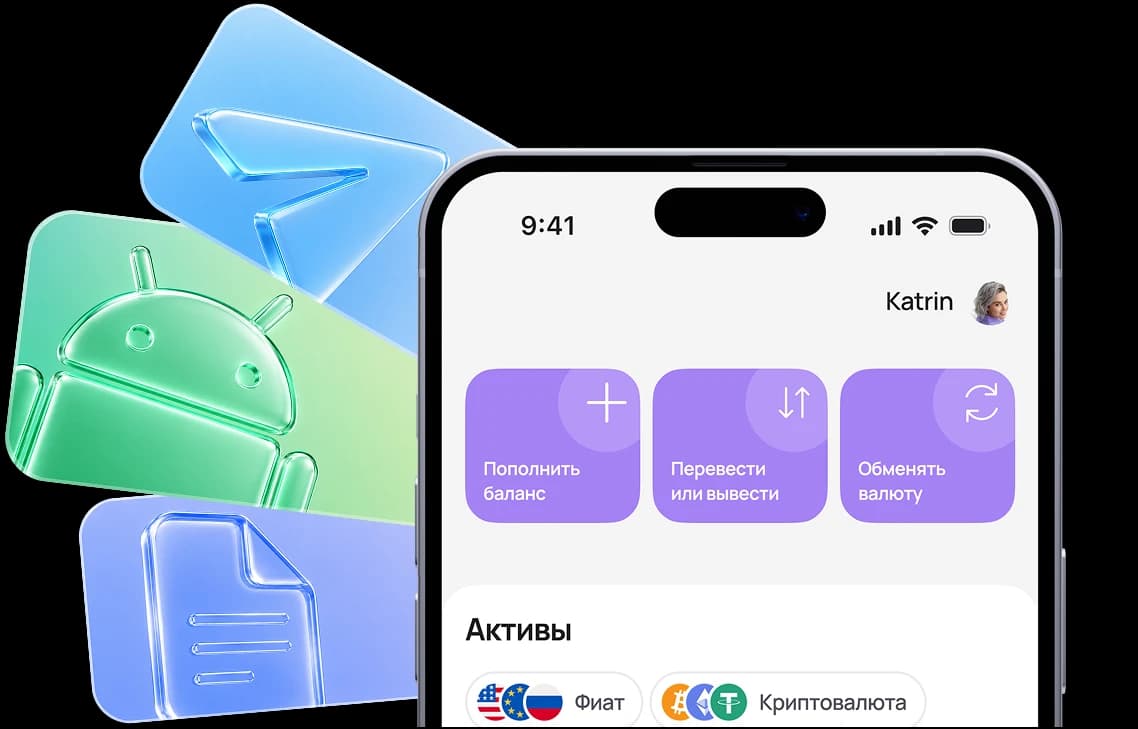

1. Tap “Share”
While on https://app.aifory.pro/auth in Safari, open the actions menu in the bottom bar.



Paying for UBER from Russia in 2026 is mainly relevant for trips abroad, where the service continues to operate. However, attempting to pay with a card issued in Russia may result in foreign transaction declines and restrictions on international payments.
To pay for UBER rides outside Russia without errors or repeated charges, it is better to choose a suitable payment method in advance and consider the specifics of international payment systems.
Install the app or open the Telegram mini app
While on https://app.aifory.pro/auth in Safari, open the actions menu in the bottom bar.

Find this item in the actions list and tap it.

The Aifory Pro icon will appear on your iPhone Home Screen, and the service will open in one tap.
Если выбрать карту неправильного типа, или не соблюсти рекомендации - оплата может не пройти
Вы можете спросить у менеджера в Telegram, как оплатить конкретный сервис - @AiforyPro_Tech_support
UBER is an international ride-hailing service available through a mobile application. The platform connects passengers and drivers: the user enters a route, sees the estimated price, and confirms the order. After the ride is completed, the payment is automatically charged from the linked card.
The application can be downloaded from the App Store or Google Play. After installation, registration and account creation are required. You can access your profile from a smartphone or a PC via a browser. The interface is partially available in Russian. The service works without a VPN.
UBER pricing is dynamic and depends on several factors:
car category (economy, comfort, business, etc.);
trip distance;
route duration;
current demand in the selected area;
additional fees (toll roads, waiting time).
The price is calculated before confirming the ride. The user sees an estimated fare in advance and can decide whether to confirm the trip. The final price may differ slightly if the route changes or waiting time occurs.
In some countries, an UBER subscription is available — a paid monthly plan. Uber subscription may include ride discounts or priority service. Payment is automatically charged once a month from the linked card.
If the subscription is not activated, the service works on a pay-per-ride model: the user pays only for the trips that are actually completed.
To pay for UBER from Russia, you need to add a bank card in the “Payments” section inside the application. However, cards issued in Russia may be declined for international transactions.
Standard procedure:
Step 1
Download the application and register.
Step 2
Go to the payment section in your account.
Step 3
Add a card.
Step 4
Confirm the ride — the payment will be charged automatically.
If the UBER payment fails, an alternative payment method will be required. Direct payment with a Russian card may not work due to payment system restrictions.
If the standard Uber payment fails, you can use the Aifory Pro virtual card.
Process:
Step 1
Register in the Aifory Pro service.
Step 2
Issue a virtual card.
Step 3
Top up the balance with cash rubles or USDT.
Step 4
Log into your UBER account.
Step 5
Add the card details and pay for Uber.
UBER payments via a virtual card are processed as international transactions. The charge occurs automatically after the ride is completed.
The card can be used personally or added to another user's profile. This method allows payment without technical declines if the card supports international transactions.
Step 1
Create an account — registration takes just a couple of minutes. You can sign in with your Google account. After registration, you can open a virtual card online on the website or in the app.
Step 2
To issue a card, your account must have funds (minimum $15). You can top up with cryptocurrency or in cash at one of our offices.
Step 3
Choose the card type and specify the top-up amount. The funds will be deducted from your personal account balance. You can start using the card immediately after issuance.
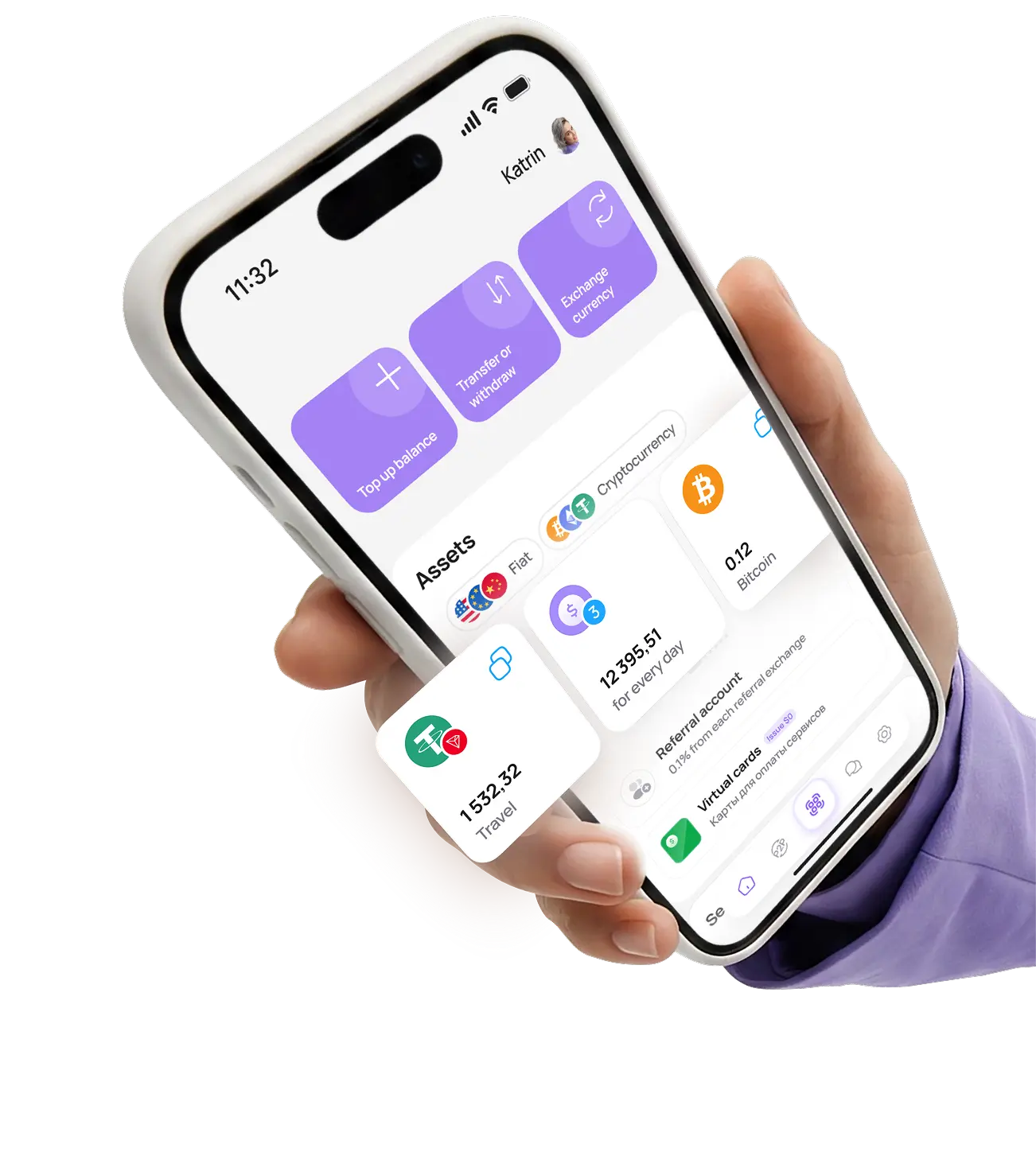
Pay for purchases, manage your balance, exchange currency, and use international payment instruments in one app — quickly, securely, and without unnecessary formalities.
*To exchange cryptocurrency, you need to download the app and complete KYC verification
Real user ratings and reviews
on independent platforms.
Gleb S.
2025-01-01
The service is excellent, I recommend it
Before using the service, I always check reviews, and in the case of Aifory Pro, they completely matched reality. I needed to quickly buy USDT and test the wallet — everything went without the slightest delay. The rate was fixed in advance, the transfer arrived almost instantly, and support answered all questions in detail and helped me understand the network. You can feel the professional approach: no imposed services, no pressure, everything is calm and honest. The service inspires trust, and now I understand why so many people recommend it.
See review on Trustpilot






Ask questions, share your opinion, and tell us what new features you would like to see
and our support team will respond within a minute
UBER subscriptions are not available in all countries. If the charge was made but the benefits were not activated, check the account region and the payment status in the “Payments” section.
If the issue persists, open support through the app and submit a request including the transaction date and amount.
When trying to pay for Uber abroad, the following issues may occur:
● bank rejection of an international transaction;
● card limit exceeded;
● 3-D Secure error;
● international payments blocked.
To pay for an Uber ride without rejection, check that international transactions are enabled or use a virtual card.
The app can be downloaded from the App Store or Google Play, however payment for Uber rides is processed through the payment method added inside the account.
Trips cannot be paid using the app store balance — the charge is made directly from the linked card.
Open the app, go to the “Help” section, and select the appropriate topic.
You can also contact support through the official website of the service. In your request, include the account number, trip date, and charged amount.
When using a virtual card, the charge is processed automatically after the trip is completed.
No additional Uber top-up is required — the transaction appears immediately after confirmation.
For the Aifory Pro virtual card:
● issuance — $0;
● top-up — 3.5%;
● payment processing fee — $0.40 per transaction.
There is no separate fee specifically for Uber payments.
The charge is made in the currency of the country where the ride takes place. Most often this is USD, EUR, or a local currency.
If the card is issued in the same currency, additional conversion may not occur. The final price depends on the payment system conditions.
Yes. You can add the virtual card to any account and pay for Uber for another user. There are no restrictions related to the account owner.
For the Aifory Pro card the following limits apply:
● up to $50,000 per transaction;
● up to $2,000,000 total card turnover;
● the number of transactions is not limited within the established limits.
Yes. If an Uber subscription with monthly billing is enabled, the payment will be processed automatically as long as there are sufficient funds on the card.
It is important to top up the balance in time so that the subscription renews without delays.