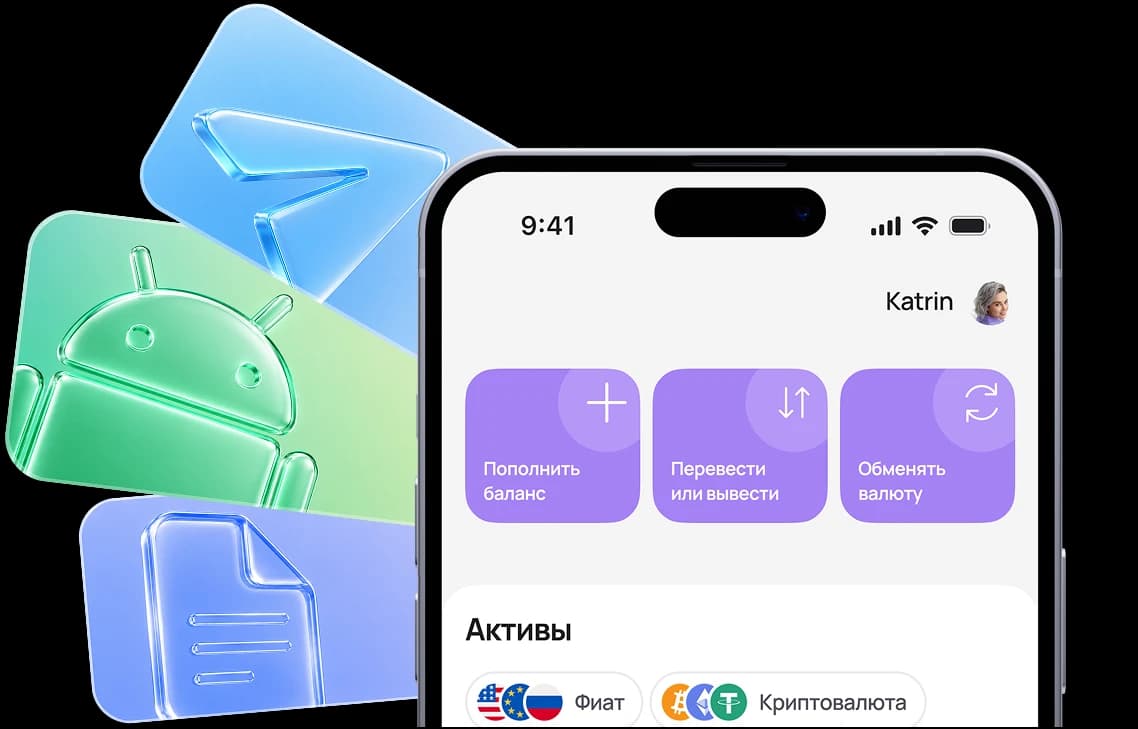

1. Tap “Share”
While on https://app.aifory.pro/auth in Safari, open the actions menu in the bottom bar.

A virtual card is the easiest way to pay for services, subscriptions,
and online/offline purchases without unnecessary formalities.
A virtual card is a modern payment instrument without a physical form. It is suitable for paying for subscriptions, online purchases, advertising, and services abroad. You can issue a virtual card online in just a few minutes, and the card details become available immediately after activation.
Install the app or open the Telegram mini app
While on https://app.aifory.pro/auth in Safari, open the actions menu in the bottom bar.

Find this item in the actions list and tap it.

The Aifory Pro icon will appear on your iPhone Home Screen, and the service will open in one tap.
Если выбрать карту неправильного типа, или не соблюсти рекомендации - оплата может не пройти
Вы можете спросить у менеджера в Telegram, как оплатить конкретный сервис - @AiforyPro_Tech_support
Step 1
Create an account — registration takes just a couple of minutes. You can sign in with your Google account. After registration, you can open a virtual card online on the website or in the app.
Step 2
To issue a card, your account must have funds (minimum $15). You can top up with cryptocurrency or in cash at one of our offices.
Step 3
Choose the card type and specify the top-up amount. The funds will be deducted from your personal account balance. You can start using the card immediately after issuance.

Free card issuance
Issuing and servicing costs $0, with no hidden conditions or mandatory fees.

Instant card issuance
No need to wait for checks, calls, or complex registration. The card appears immediately after you apply and can be used without delay.

Fast top-up via USDT
Easy cryptocurrency top-ups — convenient and fast funding without needing to use a personal card.

International Mastercard format
Maps are suitable for foreign websites, services, marketplaces, Apple/Google and ad cabinets

Convenience and security
Easy management through the app (you can create, freeze, top up, and reissue cards), transparent fees, and full transaction history.

Suitable for music, cloud services, apps, and any platforms that require payment with foreign cards.

Works wherever Mastercard is required, regardless of the store’s country.

Google Ads, Facebook Ads*, TikTok Ads — the virtual card allows you to top up advertising accounts with ease.

Extensions, software keys — payments are processed just like with a regular bank card.

Can be connected to Apple Pay and Google Pay and used for smartphone payments.

Marketplaces, exchanges, educational platforms — an international payment tool gives you access wherever a foreign card is required.
Pay at international
online stores
and marketplaces: clothing,
electronics, accessories
and digital goods.
Use the card to pay for hotels, airline tickets, taxis, restaurants, and services abroad. Contactless payments via Apple Pay and Google Pay are available in countries where supported.
*Facebook, a product of Meta, an organization recognized as extremist and banned in the Russian Federation
Real user ratings and reviews
on independent platforms.
Gleb S.
2025-01-01
The service is excellent, I recommend it
Before using the service, I always check reviews, and in the case of Aifory Pro, they completely matched reality. I needed to quickly buy USDT and test the wallet — everything went without the slightest delay. The rate was fixed in advance, the transfer arrived almost instantly, and support answered all questions in detail and helped me understand the network. You can feel the professional approach: no imposed services, no pressure, everything is calm and honest. The service inspires trust, and now I understand why so many people recommend it.
See review on Trustpilot






Top bloggers talk
about us on YouTube
Pay for purchases, manage your balance, exchange currency, and use international payment instruments in one app — quickly, securely, and without unnecessary formalities.
*To exchange cryptocurrency, you need to download the app and complete KYC verification
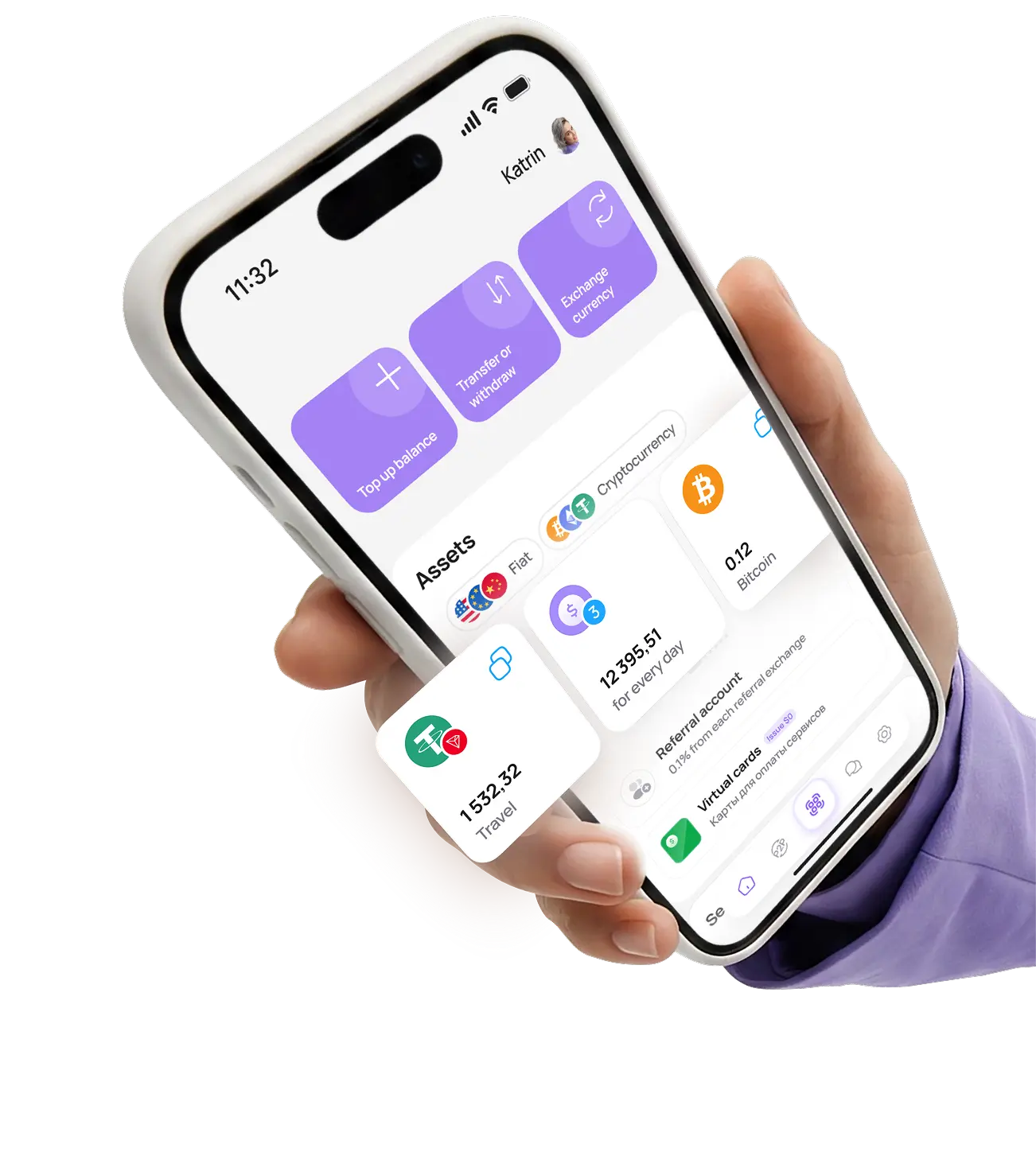
Ask questions, share your thoughts, and tell us which new features you would like to see
and our support team will reply within a minute
A virtual card is a digital payment tool without a physical plastic card. It has a card number, expiration date, and CVV. It can be used for online/offline payments and provides enhanced security.
After issuance, the card details are available in your personal account. You can enter them when paying on websites, add the card to Apple Pay or Google Pay, or link it to services. Payments are processed instantly.
Through your Aifory Pro account:
— via USDT transfer (TRC-20);
— by exchanging cryptocurrency;
— in cash at our offices.
The fee is displayed in advance, and funds are credited quickly.
The balance, transaction history, limits, and currencies are displayed in your personal account.
The card number, expiration date, and CVV are available immediately after issuance. They can be hidden or updated.
The card with Apple Pay and Google Pay allows you to make purchases through offline terminals abroad.
Yes, the card is suitable for international online stores and services, including Amazon, eBay, AliExpress, Temu, and Shein.
Yes, a dedicated “Advertising” card is issued for paying advertising accounts (Facebook Ads, Google Ads, TikTok).
Card-to-card transfers are not available. Cryptocurrency transfers between Aifory Pro accounts or transfers via certificates with fiat currency are possible.
Direct cash withdrawals are not available. You can withdraw funds in USDT, exchange them, and receive cash at an office or transfer funds to a bank card.
Check the card balance, currency, and limits. Some services temporarily hold an amount higher than the purchase total (pre-authorization).
Issuance — $0. No monthly fees. The only fee is for top-ups — 3.5%. No hidden charges.
Yes, registration is available for users from Russia and other countries.
Use the card to pay for hosting, cloud services, professional software, VPNs, domains, and tools for remote work and online business without restrictions or blocks.
Pay for subscriptions to streaming services, games, apps, the App Store, and Google Play. The card is suitable for recurring payments, subscriptions, and digital content purchases.
The card is suitable for paying for ads in Facebook Ads, Google Ads, TikTok Ads, and other advertising platforms. A convenient solution for launching and scaling advertising campaigns abroad.
The Aifory Pro virtual card is accepted on most international websites and services that work with Mastercard, including platforms with restrictions for Russia.