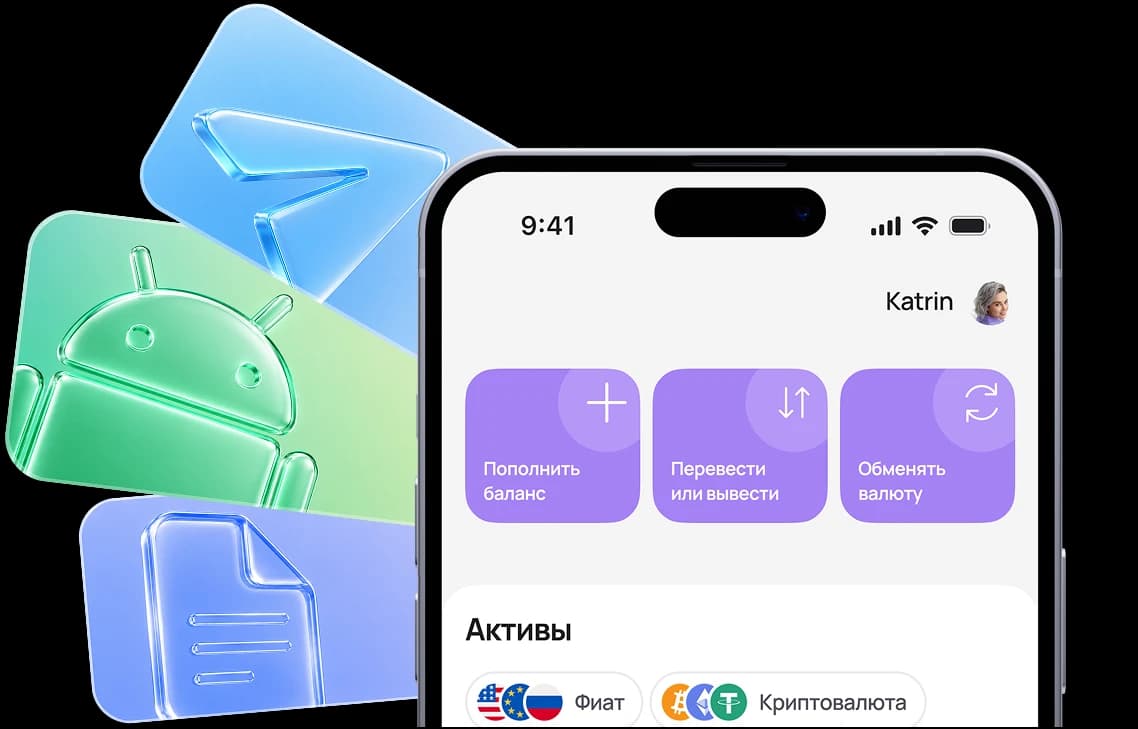

1. Tap “Share”
While on https://app.aifory.pro/auth in Safari, open the actions menu in the bottom bar.



Paying for OPENROUTER from Russia in 2026 remains an important task for developers, freelancers, and teams working with AI models through API access. OPENROUTER pricing requires an international transaction, which means payments with standard Russian bank cards often fail.
Below we explain which methods actually work, how much connection costs, and how to top up your balance without errors or blocks.
Install the app or open the Telegram mini app
While on https://app.aifory.pro/auth in Safari, open the actions menu in the bottom bar.
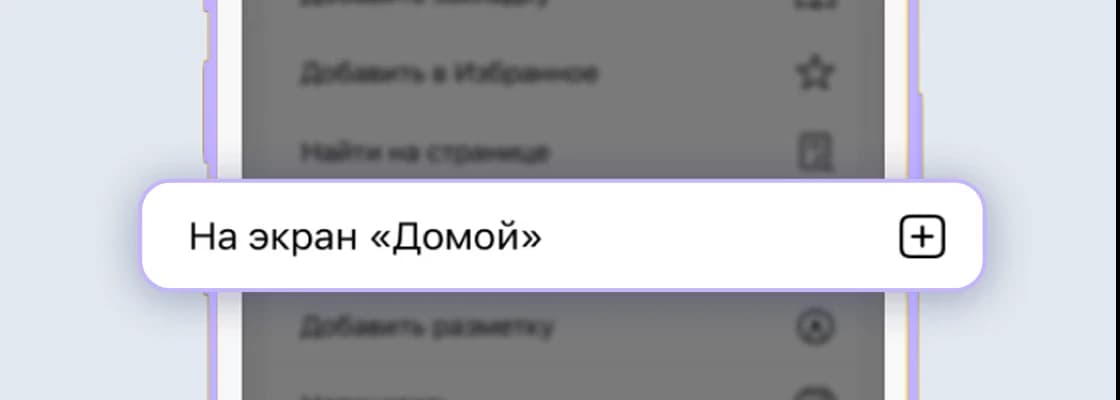
Find this item in the actions list and tap it.

The Aifory Pro icon will appear on your iPhone Home Screen, and the service will open in one tap.
Если выбрать карту неправильного типа, или не соблюсти рекомендации - оплата может не пройти
Вы можете спросить у менеджера в Telegram, как оплатить конкретный сервис - @AiforyPro_Tech_support
OPENROUTER is a service that provides unified API access to multiple language models. Essentially, it is an aggregator platform: you register once, top up your balance, and can use models from different providers without integrating each one separately.
The service operates on a pay-as-you-go model or through subscriptions depending on the chosen format. Pricing plans differ in cost, limits, and available models. The final price depends on token usage and the specific model.
To get started you need to:
Register on the official website.
Verify your account.
Log in to your dashboard.
Choose a payment format — a one-time OPENROUTER top-up or a recurring subscription.
The interface works in English, but the service is easy to use even without deep language knowledge. The key is understanding how OPENROUTER payments from Russia work and which payment methods operate reliably.
In 2026 the main difficulty is processing an international transaction. Many users from Russia find that a standard card does not work.
Typical reasons include:
restrictions from international payment systems;
transaction declines by Russian banks;
inability to process recurring payments;
regional verification checks.
At the same time, the service itself works normally: registration, login, and API usage are available. The difficulty lies specifically in paying for OPENROUTER.
Working options include:
1.
an international bank card;
2.
a virtual card from an international payment system;
3.
payment through an intermediary.
If you plan to use the service regularly — for example, integrating it into a project or using it on a PC where stable access is required — it is better to immediately choose a payment method that supports recurring charges. A one-time OPENROUTER top-up may work occasionally, but subscription renewal may fail.
To pay for OPENROUTER from Russia with fewer risks, it is important to:
check the tariff currency (usually USD);
consider possible currency conversion;
monitor the account balance;
use a payment method that works without VPN or complex workarounds.
One practical option is using a virtual Aifory Pro card. This is an international virtual card suitable for online payments and recurring charges.
The process looks like this:
Step 1
Register with Aifory Pro.
Step 2
Complete verification.
Step 3
Issue a virtual card.
Step 4
Top it up using a convenient method.
Step 5
Add the card details to your OPENROUTER account.
Step 6
Confirm the transaction.
After that, the OPENROUTER subscription is activated as a standard international payment.
Advantages of this approach:
1.
OPENROUTER payments are processed as standard international transactions;
2.
automatic monthly renewal is supported;
3.
there is no need to look for intermediaries;
4.
OPENROUTER balance top-ups can be made anytime while controlling the balance.
It is important to consider the currency. If OPENROUTER pricing is listed in US dollars, the charge will occur in USD. If the card is topped up in rubles, currency conversion will apply. To reduce losses, it is better to check the cost and the final amount beforehand.
According to user experience, this format works reliably for services that require paid international access. The key is entering the correct card details and confirming the 3-D Secure verification.
Step 1
Create an account — registration takes just a couple of minutes. You can sign in with your Google account. After registration, you can open a virtual card online on the website or in the app.
Step 2
To issue a card, your account must have funds (minimum $15). You can top up with cryptocurrency or in cash at one of our offices.
Step 3
Choose the card type and specify the top-up amount. The funds will be deducted from your personal account balance. You can start using the card immediately after issuance.
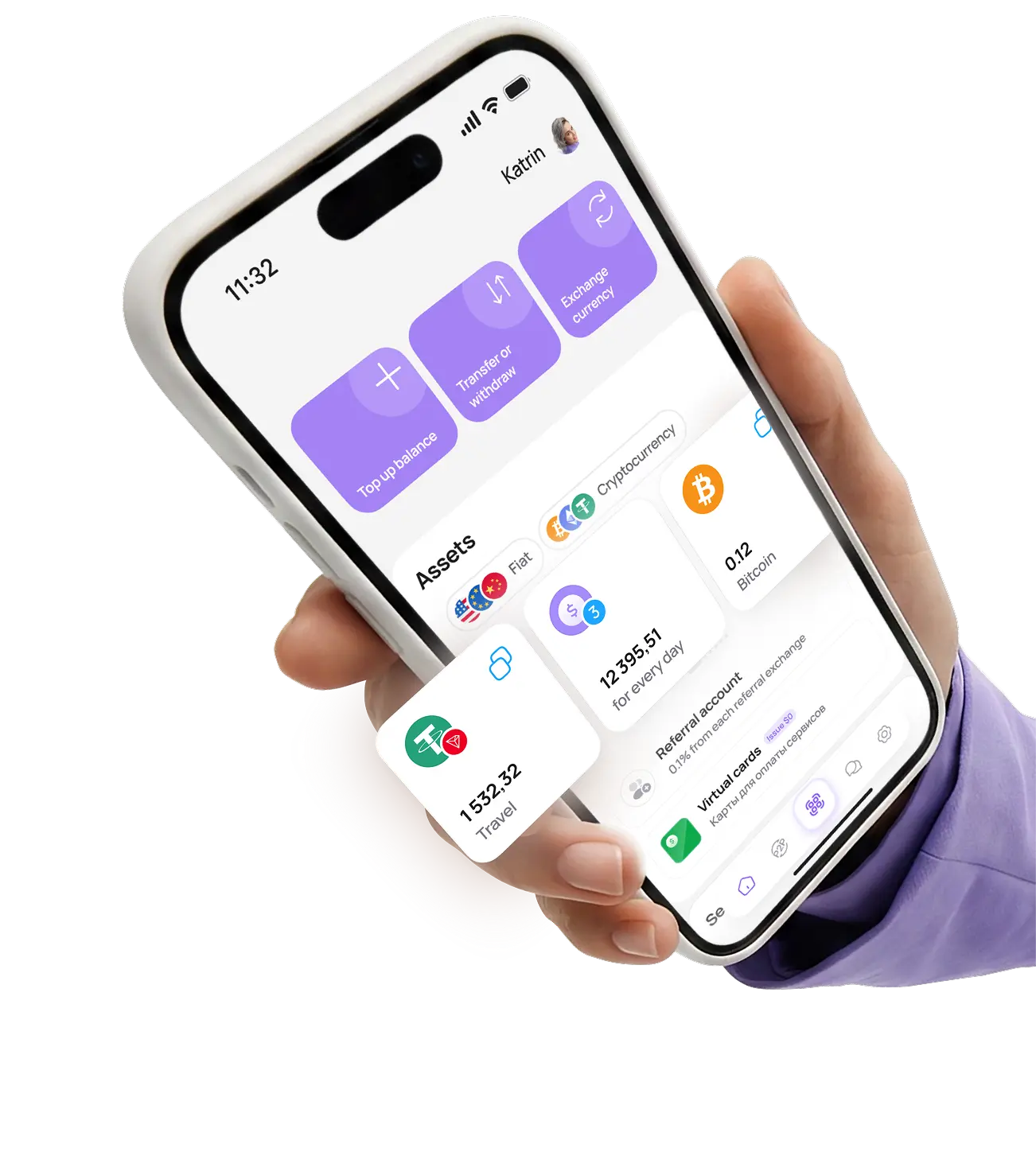
Pay for purchases, manage your balance, exchange currency, and use international payment instruments in one app — quickly, securely, and without unnecessary formalities.
*To exchange cryptocurrency, you need to download the app and complete KYC verification
Real user ratings and reviews
on independent platforms.
Gleb S.
2025-01-01
The service is excellent, I recommend it
Before using the service, I always check reviews, and in the case of Aifory Pro, they completely matched reality. I needed to quickly buy USDT and test the wallet — everything went without the slightest delay. The rate was fixed in advance, the transfer arrived almost instantly, and support answered all questions in detail and helped me understand the network. You can feel the professional approach: no imposed services, no pressure, everything is calm and honest. The service inspires trust, and now I understand why so many people recommend it.
See review on Trustpilot






Ask questions, share your opinion, and tell us what new features you would like to see
and our support team will respond within a minute
Sometimes the payment goes through but activation happens with a delay. First check the payment status in your OPENROUTER account dashboard and the card transaction history. If the transaction is shown as “processing”, wait 10–30 minutes — technical synchronization may take some time.
If access has not been activated within a few hours:
● save the payment confirmation;
● take a screenshot of the error;
● contact the service support team with the transaction number.
In most cases the issue is resolved manually after the payment is verified.
When paying for OPENROUTER, users from Russia most often encounter the following errors:
● “Payment declined”
● “Payment method not supported”
● 3-D Secure error
● Insufficient funds
What you should check:
1. Correct virtual card details.
2. Sufficient balance considering currency conversion.
3. The tariff currency and the card currency.
4. Support for international transactions.
If the OPENROUTER payment fails on the first attempt, avoid repeating the payment multiple times — this may trigger anti-fraud checks. It is better to clarify the reason for the decline and adjust the payment details.
In most cases the payment is made directly through the service website. If the subscription is purchased through a browser on a PC, the App Store or Google Play are not involved in the transaction.
If a mobile application with in-app purchases is used, much depends on the account region and the linked card. Russian cards may not work. A virtual card from an international payment system usually works as a standard international transaction.
You can contact support through the Help or Support section in your account dashboard. When submitting a request, it is important to specify:
● payment date and time;
● amount;
● last four digits of the card;
● screenshot of the error.
The more detailed the description, the faster the response. Support usually replies within 24–72 hours.
In most cases the funds are credited instantly after the transaction is confirmed. Sometimes there may be a technical delay of a few minutes.
If the balance has not updated:
● refresh the page;
● log out and log back into your account;
● check the transaction status in the Aifory Pro application.
The commission depends on:
● the card top-up method;
● the transaction currency;
● the specific plan conditions.
When making international payments, currency conversion may apply. It is recommended to check the current conditions in the application before making a transaction to understand the final cost.
The charge usually occurs in the currency specified in the plan (most often USD). If the card is funded in rubles, a conversion rate will apply.
To minimize possible losses:
● check the plan currency in advance;
● fund the card with a small reserve;
● consider possible currency exchange fees.
Technically this is possible. The main requirement is to correctly specify the account details for which the OPENROUTER payment is made. Access will be linked to the specific profile, not to the card owner.
It is also important to consider the service rules — some platforms restrict sharing accounts with third parties.
Restrictions depend on the card type and the internal limits of the service. For a standard OPENROUTER subscription and monthly top-ups the limits are usually sufficient.
For large volumes or frequent transactions, it is recommended to check the limits in advance to avoid temporary transaction blocks.
Yes, the virtual card supports automatic recurring charges. After adding it to the account, the subscription renewal will occur automatically each month.
The main requirement is maintaining a positive balance. If there are insufficient funds, the subscription may be suspended until the balance is replenished.